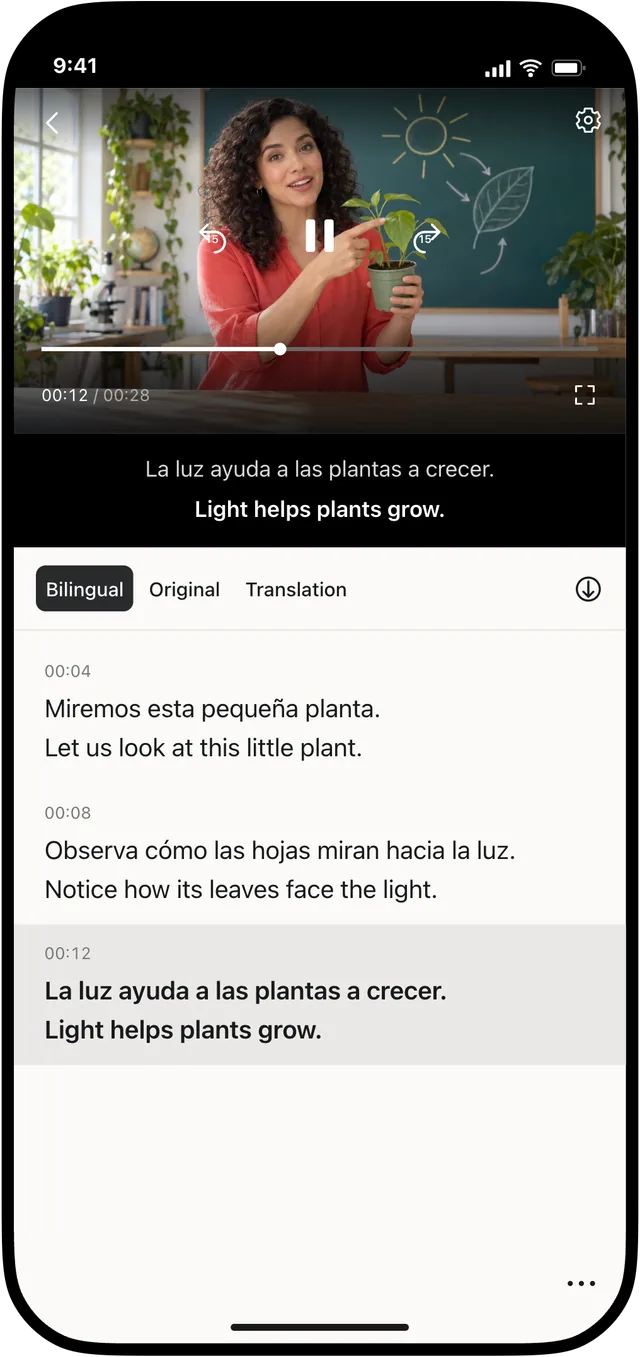
Before exporting a subtitled video, decide whether the viewer should always see the captions or be able to turn them off. That choice determines whether burned-in subtitles or a switchable subtitle track is more suitable.
Video Translator by Transly supports both types of video export, as well as separate SRT and WebVTT files. This guide explains the trade-offs for a video project you have already translated and edited.
Burned-in subtitles become part of the picture
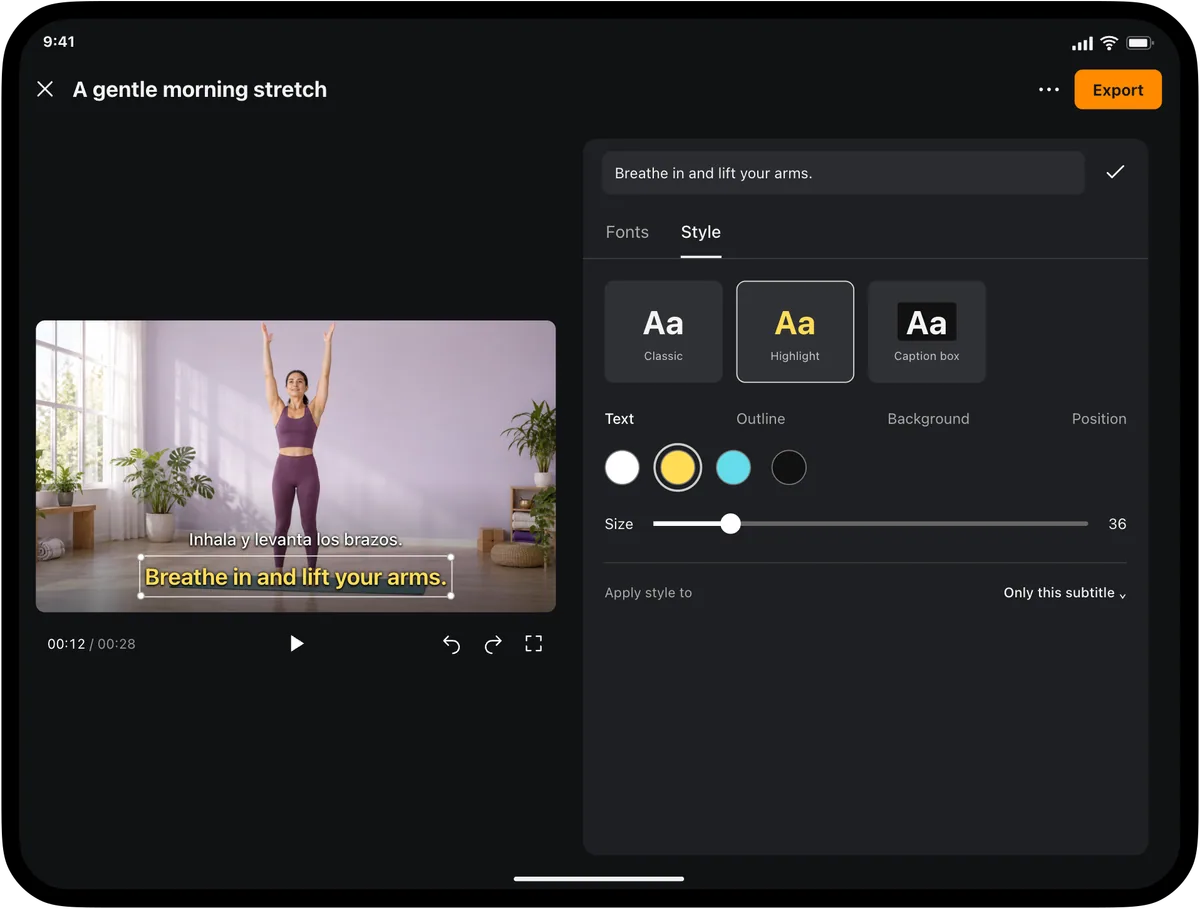
Burned-in, or hard, subtitles are rendered into the video frames. The viewer sees the words whenever the video plays, without enabling a caption track. Their appearance is part of the exported image.
This is useful when you want the text to remain visible or when the destination does not reliably preserve subtitle tracks. It also makes your layout decisions important: check text size, contrast and position before exporting.
The viewer cannot turn burned-in captions off. Correcting the text requires a new export from the project. Keep the original video and editable subtitles so you can make that revision without depending on the finished file.
Switchable subtitles depend on the player
Soft subtitles are stored as a subtitle track rather than painted into the picture. A compatible player can let viewers enable or disable them, and it may control their visual appearance.
Choose this option when caption control matters and you know the destination supports the track. Do not assume every messaging service, social platform or player will preserve it. Test the actual upload and playback path before sharing widely.
A separate subtitle file serves another purpose
SRT and WebVTT exports keep subtitles separate from the video. They are useful for another editing tool or a platform that provides a caption-upload feature. The recipient still needs the matching video and a workflow that supports the file format.
For the export steps, see how to export SRT subtitles.
Make the choice around the destination
Subtitle files ⌃
Include subtitle tracks
1
00:00:04,200 --> 00:00:06,200
Vierte despacio, en círculos pequeños.
Pour slowly, in small circles.
Share or Save to Files
- If captions must appear as designed whenever the video plays, choose burned-in output.
- If viewers should control captions, test switchable output in the destination player.
- If you are handing work to an editor or uploading a caption file separately, export SRT or WebVTT as required.
- Choose original-language, translated-only or bilingual text for the intended audience.
Finally, play the exported result outside the editor. Check readability at the expected screen size, verify the first and last lines, and test caption switching if you selected a track. Export format changes presentation and compatibility; it does not correct translation or timing errors left in the project.