Transly guides
Set up the translation keyboard, translate videos, and edit or export subtitles.
Burned-in vs. switchable subtitles: which should you export?
Choose between subtitles embedded in the video picture, a switchable subtitle track and a separate SRT or WebVTT file.
Follow the guide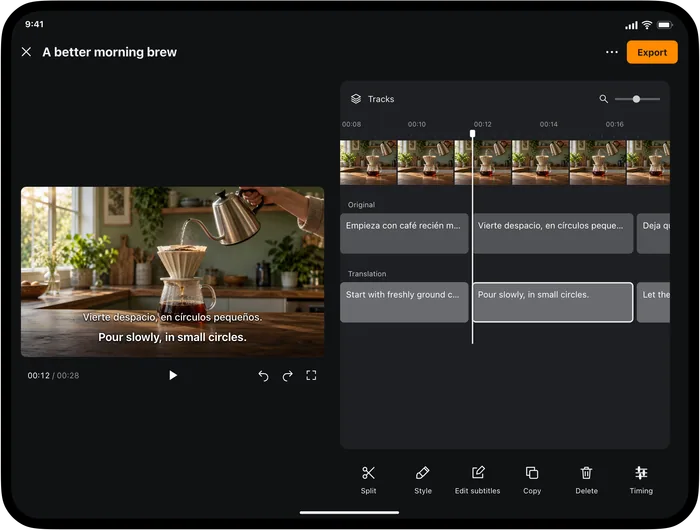
How to edit subtitle timing without losing the conversation
Review subtitle start and end times against the original audio, correct individual cues and check the result at normal playback speed.
Follow the guideHow to export an SRT subtitle file on iPhone
Export reviewed subtitles from Video Translator by Transly as SRT, choose the language layout and check the file with the matching video.
Follow the guideHow to follow audio from other apps with translated captions
Set up Transly cross-app audio translation on iPhone, check the sound source and follow translated captions while you listen.
Follow the guide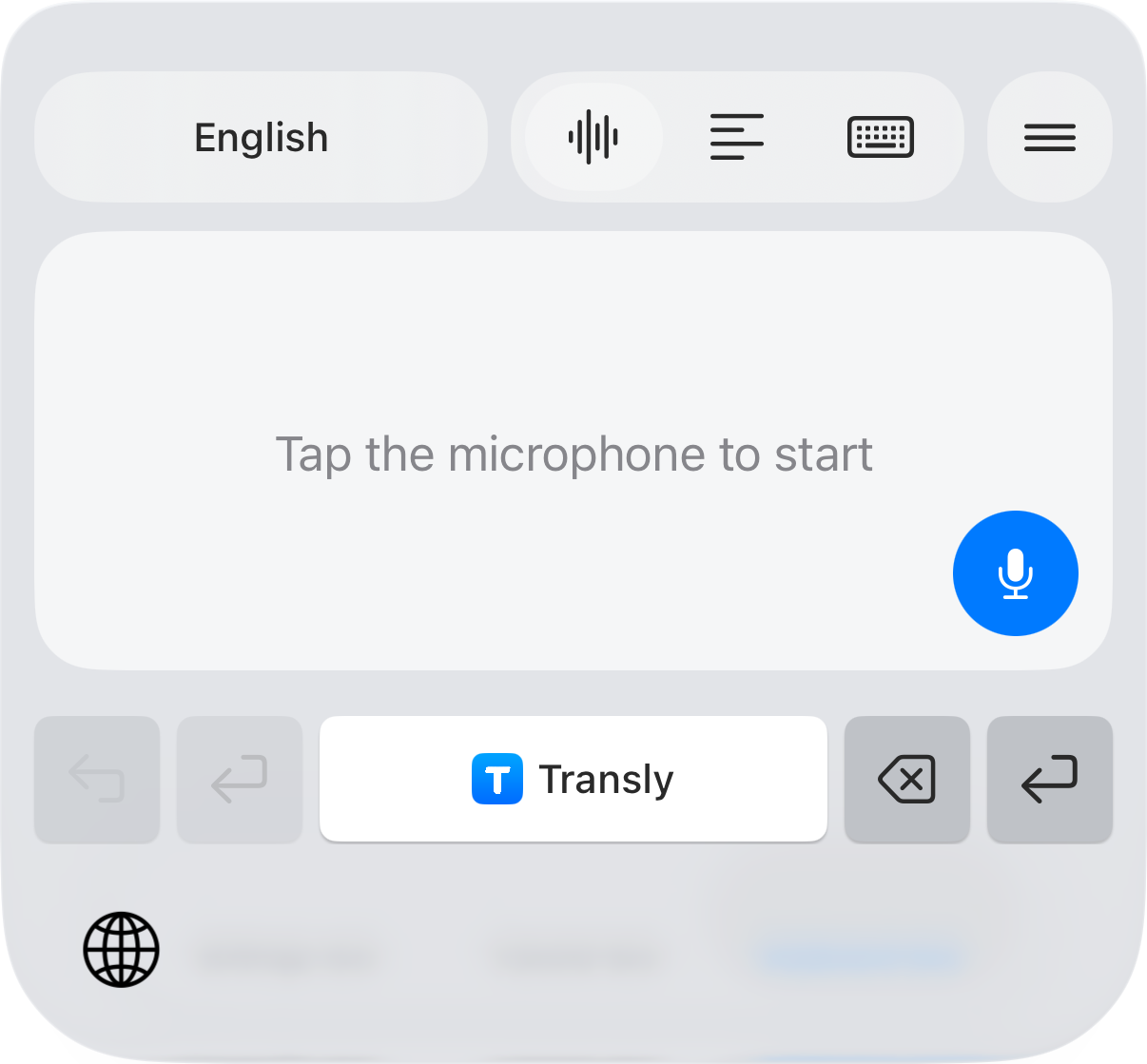
How to translate messages with your iPhone keyboard
Write a translated reply and understand incoming messages with Transly. Follow the setup, review and sending steps on iPhone.
Follow the guide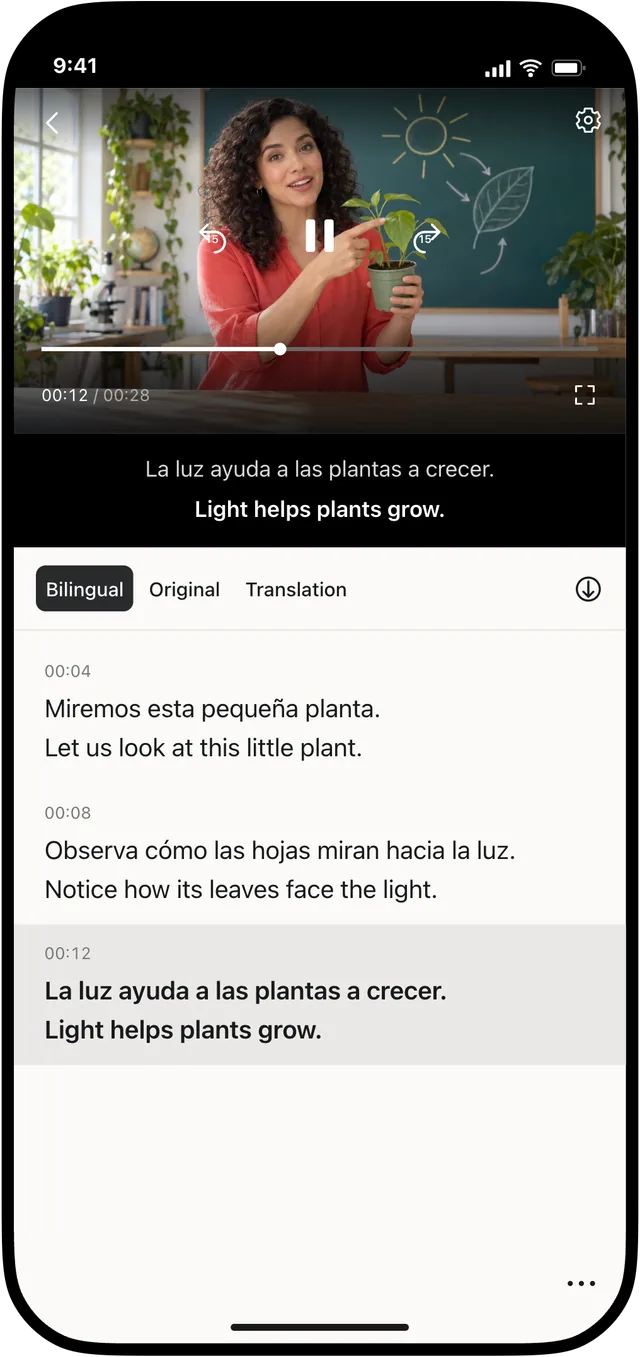
How to translate a video on iPhone or iPad
Import a local video, choose translation languages, review bilingual subtitles and prepare an export in Video Translator by Transly.
Follow the guide