Open Transly when you need to speak with someone who uses another language. Choose the two languages for the conversation, then use the conversation translation entry so each person can follow what is being said.
Set up the conversation
Give Transly microphone access when iPhone asks. Set the languages before speaking, place the phone where both people can be heard, and start with a short sentence. An internet connection is needed for translation.
Take turns and check the words
Let one person finish before the other responds. Read the original text alongside the translation, especially when discussing an address, a time or a name. If something was misheard, repeat that short part more clearly rather than continuing with an incorrect detail.
Use the spoken translation when that is helpful, or let the other person read the translated text. Stop the session when the conversation ends.
Replying in a chat instead?
For Messages, WhatsApp or another text conversation, the translation keyboard is a better fit. You can dictate a reply, check the translated draft and send it yourself.
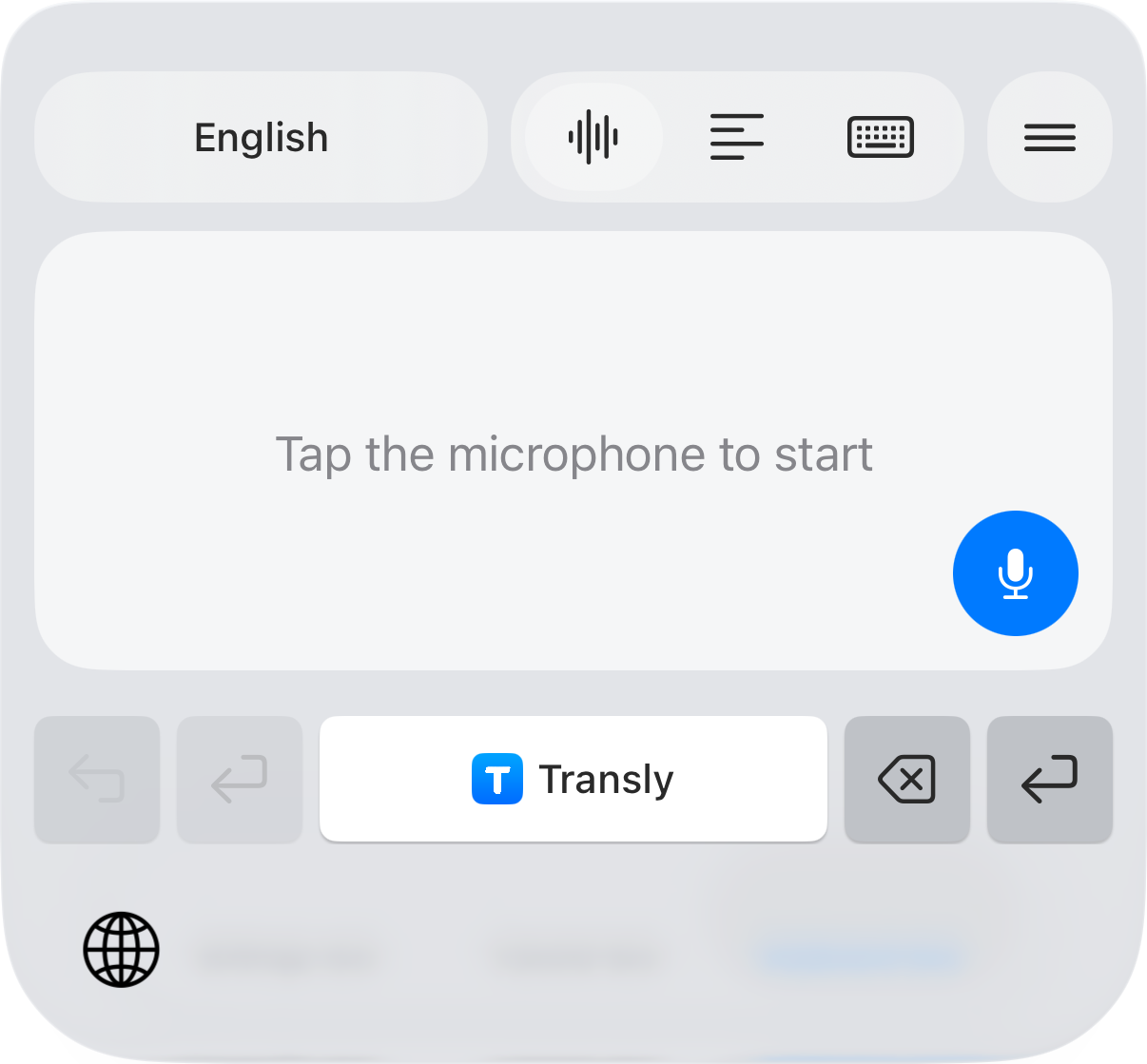
Follow the message translation guide to set up the keyboard and translate a message you have received. A face-to-face conversation uses the microphone; translating a video playing in another app uses cross-app audio.
