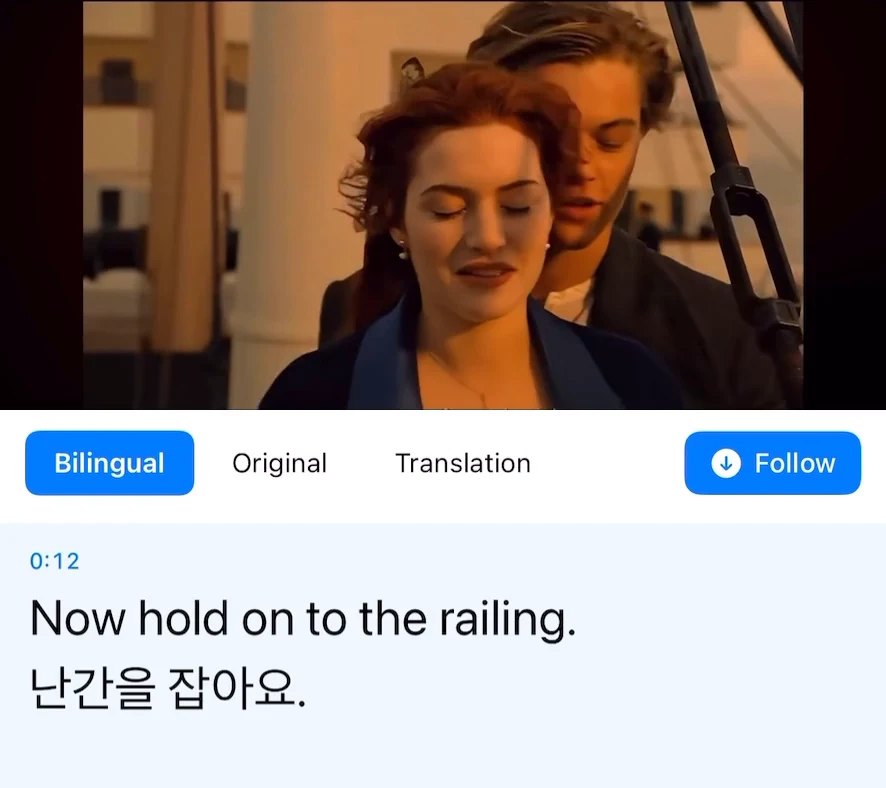
A podcast or lesson is easier to follow when you can read the translation alongside the audio. Use Transly’s cross-app translation while the recording plays in its usual app, or open a saved lesson video in Transly’s local player.
Listen in the original app
Start the podcast or lesson and confirm that you can hear the speaker. Open Transly, choose cross-app audio translation, select the source and target languages, and start the iPhone system broadcast. Return to the podcast or course app and resume playback.
Vierte despacio, en círculos pequeños.
Pour slowly, in small circles.Stop both translation and broadcast when finished.
Keep the translated captions visible while you listen. A podcast app’s transcript, when available, may also help you check a difficult name or term. You do not need to obtain a downloadable copy just to use cross-app translation.
Work through a difficult section
Pause at a natural break, read the original and translated lines, then replay the passage if needed. For a lesson, make a note of the video time so you can find the explanation again. Check specialist terms against the original rather than copying an unclear translation into your notes.
A recorded lesson playing on your phone uses cross-app audio. If a person is speaking in the room, use Transly’s microphone-based conversation workflow instead.
Use a saved video
For a lesson already in Photos or Files, open the local video in Transly. You can watch with translation without preparing a subtitle file for the entire lesson first.
End translation and the system broadcast when you finish listening. If the captions stop appearing, check the audio and broadcast state before changing the translation language.