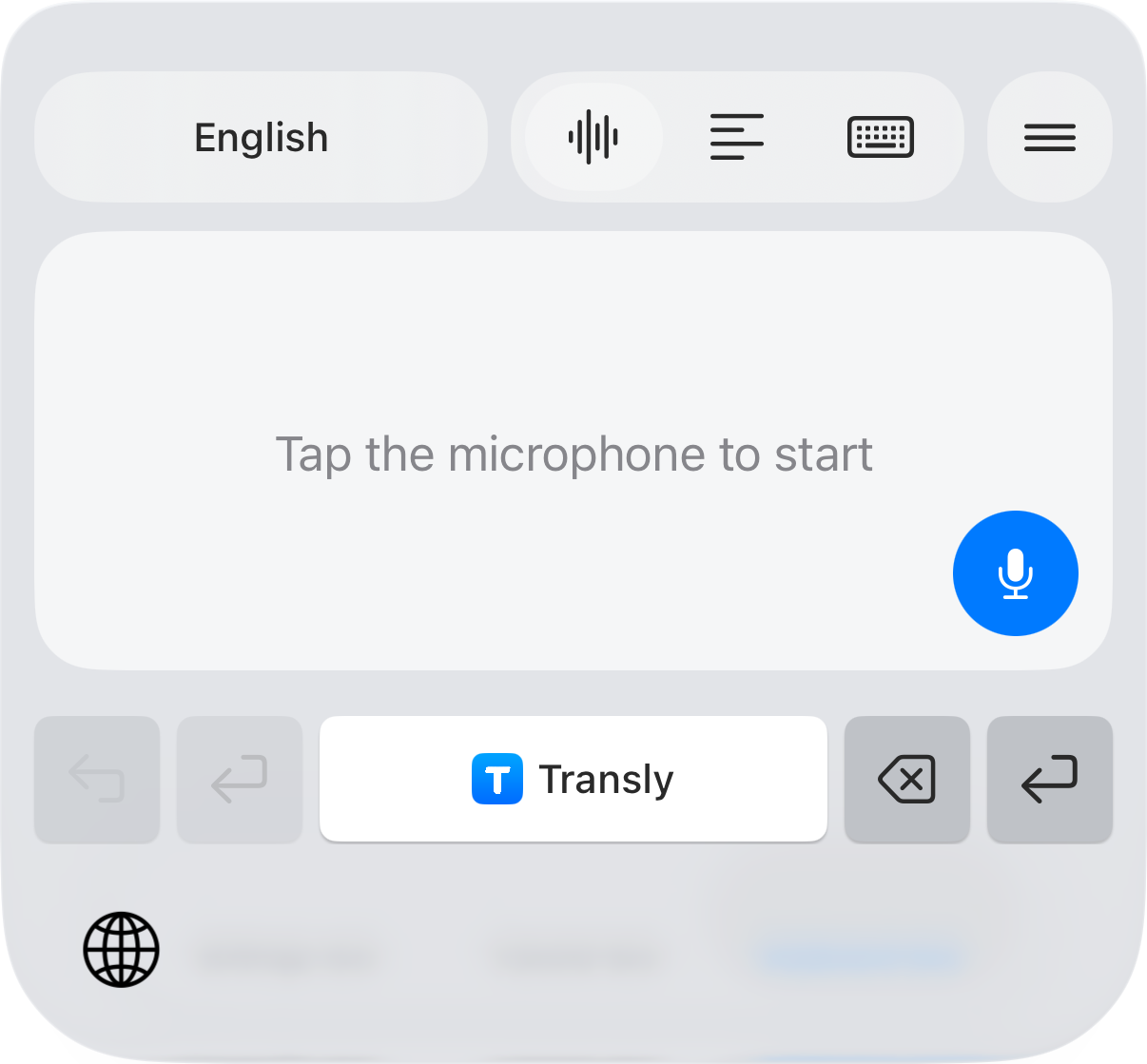
You can keep watching in TikTok and read the translation at the same time. Transly listens to the audio through iPhone’s system broadcast and shows translated captions, including for live streams.
Open the video with sound
Find the video or live stream in TikTok and check that it is not muted. If TikTok already offers useful translated captions, you can use those. When you want Transly’s translation, leave the source video ready to play and open Transly.
Turn on cross-app translation
Choose cross-app audio translation, set the spoken and target languages, and confirm the system broadcast. Return to TikTok and start the video. Open the floating subtitle view if you want to keep the translation visible while watching.
A download button is not needed. For a short clip that repeats, read one pass through before deciding whether to replay it. When the next video uses a different language, check the language setting again.
Following a live stream
Start translation before the part of the stream you want to follow. Give each new sentence a moment to appear. Background music or several people speaking together can make a phrase harder to recognize; compare the original text when a name or number matters.
Finish the session
Stop translation and the iPhone broadcast when you are done. Closing TikTok alone is not the same as ending the broadcast. For the complete setup and help with missing captions, see cross-app audio translation.