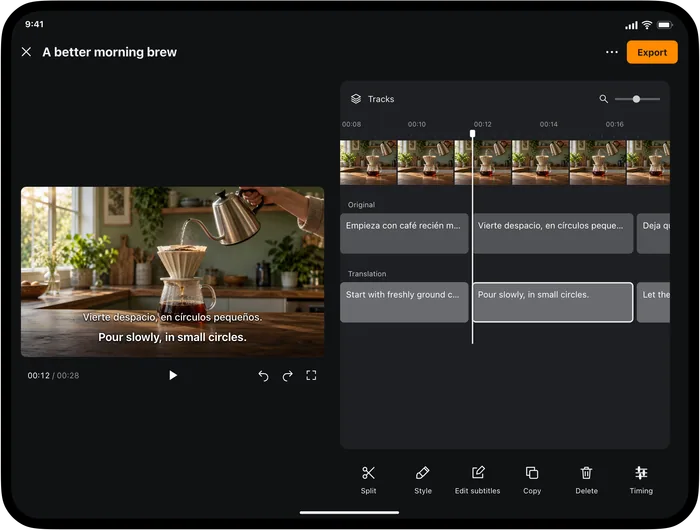
Choose Transly if you want one app for conversations, keyboard messages and video listening. Choose Video Translator by Transly if video viewing, subtitle editing and export are your main tasks. Both names include Transly, but they are separate applications with their own download links.
Before installing a video translator app, decide whether you want to understand something now or create subtitles to share. Those goals lead to different workflows, even when the same application offers both.
Five things to check before downloading
| Criterion | Ask this question | Why it changes the choice |
|---|---|---|
| Source | Do I have a local file, or is the video playing in another app? | Import and cross-app audio are different workflows |
| Watching | Can I start reading translation while the video plays? | You may not need a completed subtitle project |
| Editing | Can I correct words and timing? | A first draft is not always ready to publish |
| Export | Do I need SRT, WebVTT or a subtitled video? | Live captions alone do not deliver an editable file |
| Platform | Is the specific application available on my device? | A main-app store link does not install a separate video product |
For a useful first check, use a short clip with the kind of speech you normally watch. Include a name or a number so you can judge whether the original and translation are meaningful. Then test the output you actually need, rather than stopping when the first caption appears.
Transly or the dedicated video app?
| Task | Transly | Video Translator by Transly |
|---|---|---|
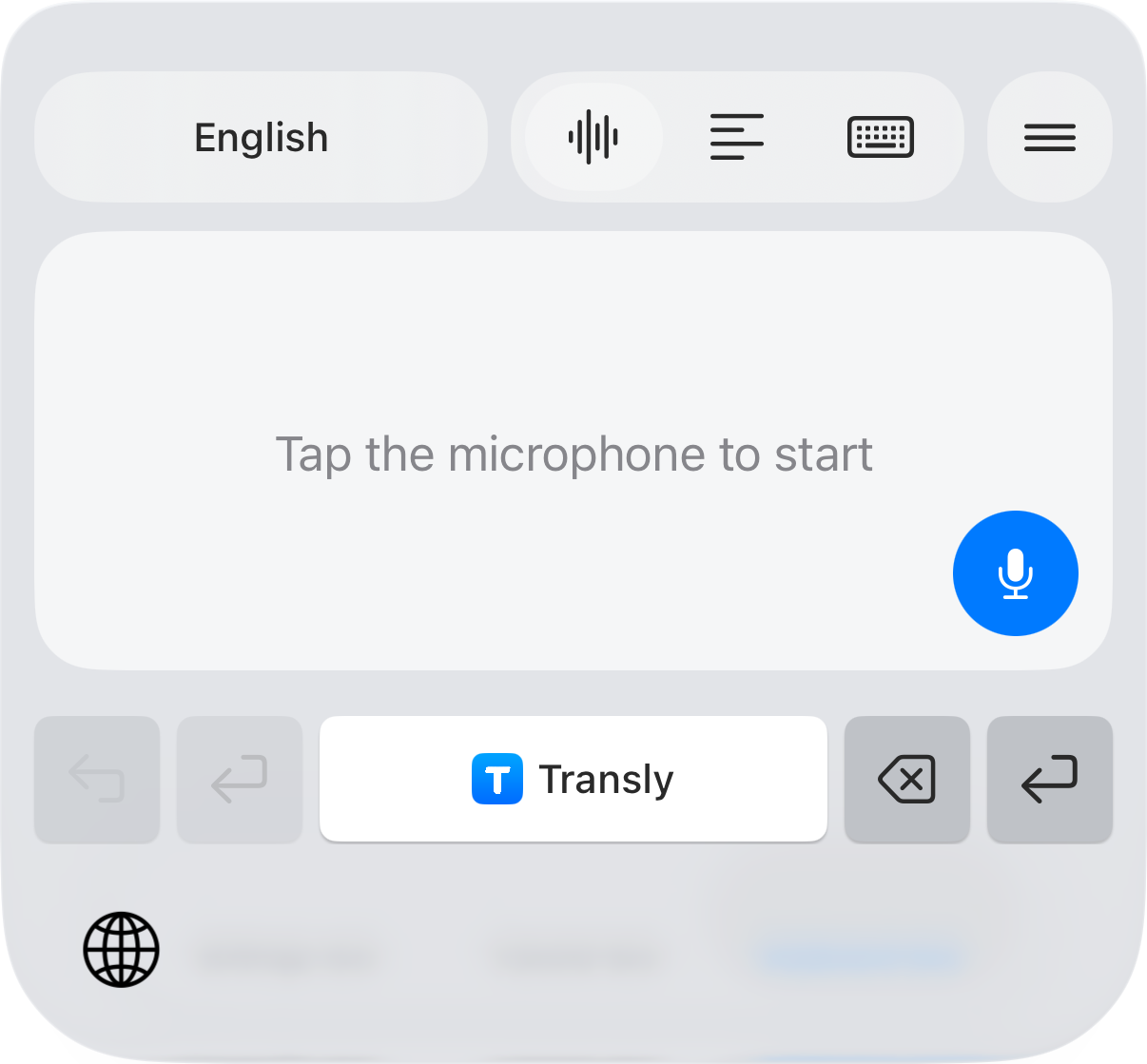
| Translate a message in a compatible iPhone keyboard field | Included in the main app's workflow | Choose the main app for this task |
| Follow a nearby conversation | Main-app live translation | Choose the main app for general conversation use |
| Watch a local video with translation | Available in the main app | A central viewing workflow |
| Follow another app's video or live audio on iPhone | Cross-app translation | Cross-app translation |
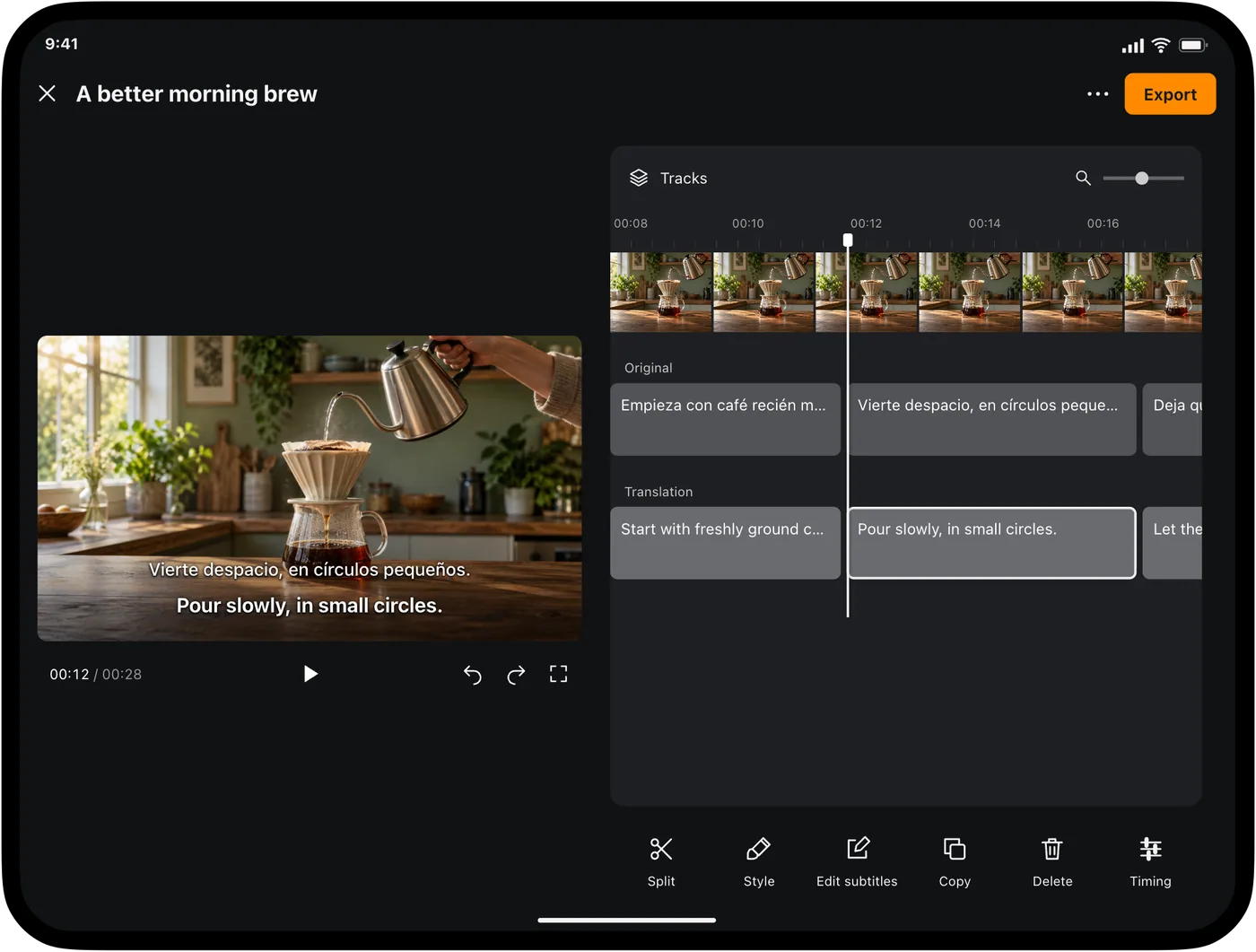
| Review subtitle text and timing, then export SRT/WebVTT | Use the dedicated video workflow for these instructions | Subtitle projects, editing and export |
Write and understand messages
Translate videos and edit subtitles
The distinction is about the work you want to do, not a claim that one application is universally better. Someone who translates messages all day may prefer the main app. Someone preparing bilingual video captions needs the dedicated editor and should begin with the video product page.
iPhone, iPad and Android
Transly's main app has App Store and Google Play download links. The iPhone tutorials on this site describe iOS controls, including the system broadcast step for cross-app audio and the third-party keyboard setup. Do not assume Android has identical permissions, controls or feature coverage because the brand name matches.
Video Translator by Transly has its own App Store download for iPhone and iPad and a separate Mac download on its product page. A public Android download for the independent video app is not available here. The Google Play button under Transly installs the main application, not the video editor.
If your main requirement is Android, start with the main Transly listing and check its current features before choosing a plan. If your requirement is an editable subtitle project on iPhone or iPad, use the video app's listing and the complete subtitle tutorial.
Free download and paid usage
The applications are free to download with in-app purchases. Look at the current purchase screen for the plans and usage available to your account. Free download does not mean unlimited translation, and the usage available in one application may differ from what you see in the other.
Check the practical workflow before committing to a long project: import or play the source, choose the languages, inspect the result and confirm the export destination. Local input does not promise fully offline processing. Neither app generates a new dubbed soundtrack for the video.
The Transly features overview covers the main application's tools. The downloads below are labeled by product so you can install the application used in the relevant instructions.
Choosing an app: common questions
Which app should I choose for subtitles I can edit and export?
Choose Video Translator by Transly for the subtitle-project workflow: generate captions, revise text and timing, then export SRT, WebVTT or a subtitled video. Use the main Transly app when conversations and keyboard translation are also central to your day.
Can I use the same instructions on iOS and Android?
Not automatically. Transly has both App Store and Google Play links, but iPhone keyboard and system-broadcast instructions are specific to iOS. Check the current Android listing and app for the features you need. The independent video app has separate download availability.
What can I do for free?
The apps are free to download and offer in-app purchases. Current account usage and plan details appear in the app. This page does not state a fixed free allowance or promise that every workflow is unlimited without purchase.
Do I need to wait for the entire video before watching translation?
The local viewing workflow can show translation as the video plays, without completing a whole-video subtitle project first. Allow initial loading and caption arrival. Use a complete subtitle project when you need reviewed captions for the full file.
Will the app create a new voice in another language?
No. These Transly workflows translate speech into text and subtitles. They do not generate a replacement dubbed soundtrack. Choose a dedicated dubbing tool if that is the required output.