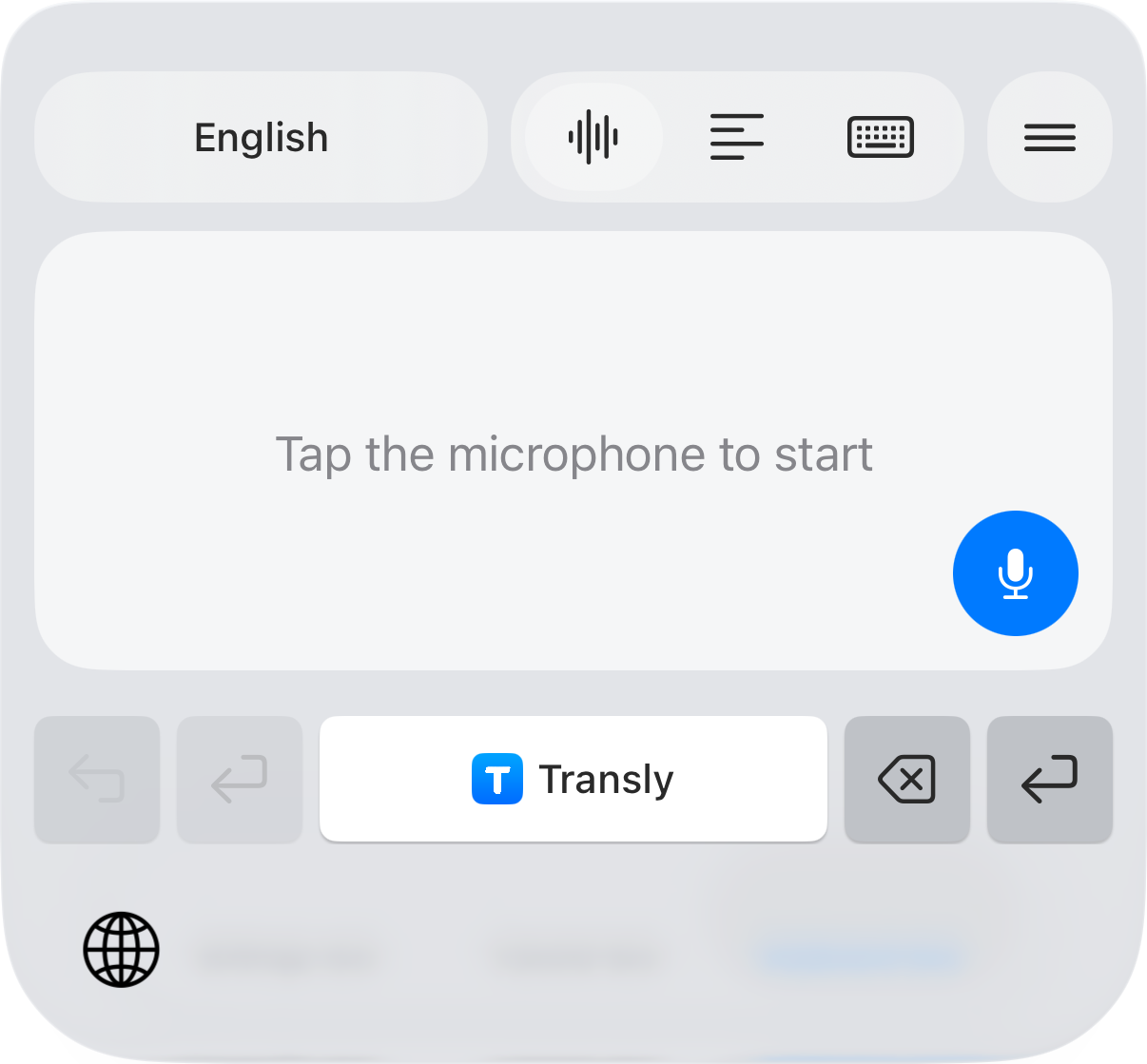
For a family message or a practical arrangement, start with what you want the other person to know. Transly's iPhone translation keyboard can turn your spoken English into a Tagalog text draft. Select English → Tagalog in the mode's language options, dictate, review and insert the result yourself.
Some modes use the language label Filipino. Follow the selector in the mode you are using; neither label means that every Philippine language has the same vocabulary or grammar.
Say one complete arrangement
A correction is often the most important part of a message. Before sending, compare the new time with the old one and make sure the Tagalog still expresses the change. Add a written station name or map reference when a place could be ambiguous.
Match the tone to the person
Polite po and the choice of address can suit an elder or someone you do not know well. A message to a close friend may sound different. Review the draft in the context of the conversation instead of assuming that a more formal sentence is always better.
Names, brands and many familiar English terms may remain unchanged in a natural message. Keep a person's preferred spelling. The goal is a clear request the recipient understands, not replacing every recognizable English word.
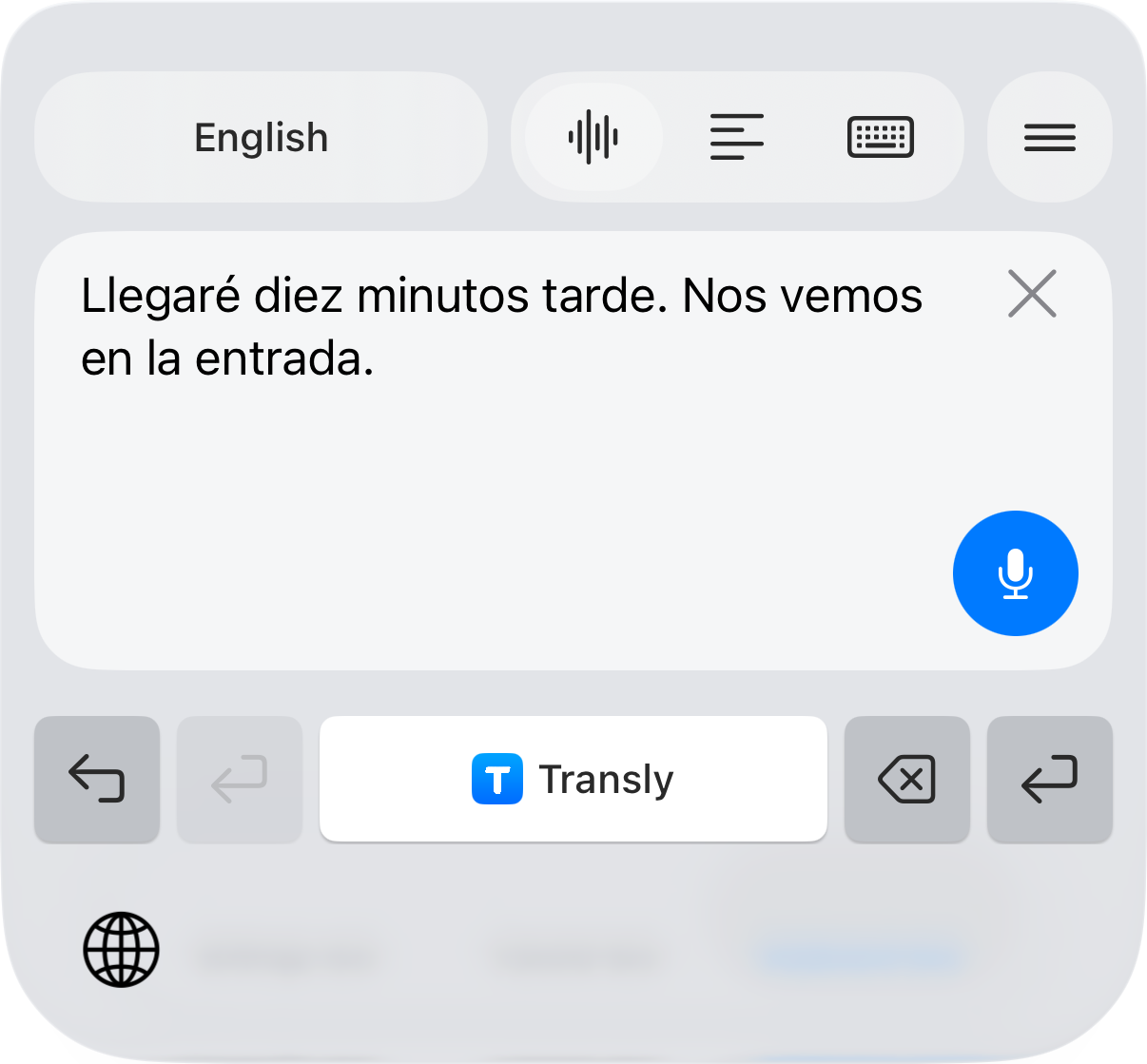
The screenshot shows the real keyboard result controls in the captured interface language. Use your selected English-to-Tagalog pair; the sample shown in the screenshot is not a Tagalog test result. The message guide covers setup and insertion.
Review four things before sending
- Who: the correct person, name or relationship.
- What: the actual request, rather than a statement that it is already agreed.
- When: the date and the sender's or recipient's local time.
- Status: whether something has already happened, has not happened yet, or will happen later.
For a reply about travel between countries, include an explicit date and time zone. “Tomorrow afternoon” can refer to a different day for the other person. A translator cannot supply the time zone you left out.
Listen to the response
For a written Tagalog reply, use the keyboard's reading translation after copying the text you choose. For a voice message, switch to Tagalog → English and play the message while cross-app audio translation is active on iPhone, if the source app permits playback capture.
For a conversation beside your phone, use the live microphone route and take turns. Read the translated line before continuing. These workflows do not automatically send messages, produce an exported voice recording, or establish capture support for a live phone call.
Watch an English explanation in Tagalog
If you are helping someone follow a video, use English → Tagalog in cross-app audio translation and play the accessible source audio. For a saved video, use local-video translation. A subtitle track is not required beforehand.
If you need a complete file of subtitles, use the separate Video Translator app, choose the appropriate source and target options, generate a project and review the track before exporting it. Keep borrowed English terms consistent with labels visible in the video.
English-to-Tagalog questions
Can I speak English and write a Tagalog message?
Yes. Use Transly's translation keyboard on iPhone, choose English as the source and Tagalog as the target, then dictate and review the text before inserting and sending it in a compatible app.
Why does a mode say Filipino instead of Tagalog?
Product modes can use different language labels. Select the available option for this task and review the result. Do not infer support for every Philippine language from the Tagalog or Filipino label.
Will it create a Tagalog voice message for me?
The keyboard workflow produces a text draft. It does not promise an exported voice recording or automatic sending. Use the documented live conversation controls for nearby speech.
Is English-to-Tagalog translation free?
Transly is free to download with in-app purchases. The app shows current usage and plan conditions. This page does not promise an unlimited free or offline service.
Use Tagalog → English for the other direction. The live translation overview and English → Spanish offer related conversation workflows.