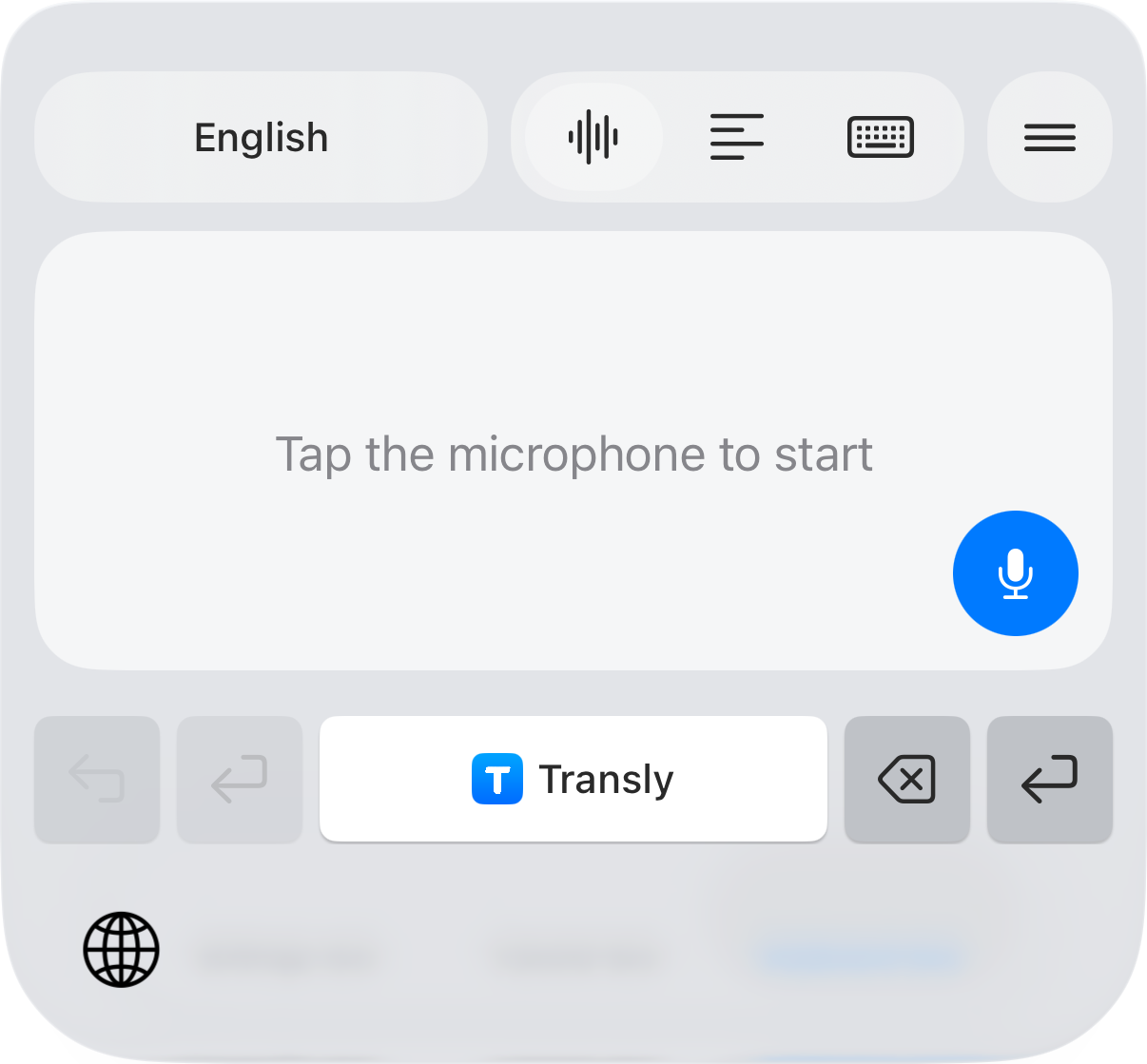
When a family member or colleague sends a Tagalog voice message, you often need one detail: when to arrive, whether something is ready, or what they need you to do. Transly can show an English translation while the message plays on your iPhone, when the messaging app provides capturable playback audio.
Choose Tagalog → English in the available language selector. Some product modes label the language Filipino. Check the pair for the mode you are actually using; changing the phone's display language does not choose the speech source.
Receive, play, check the detail
- Open the message conversation and locate the voice message you want to understand.
- In Transly, start cross-app audio translation with Tagalog as the source and English as the target. Complete the iPhone broadcast prompt.
- Return to the message and play it. Read the original transcript as well as the English line if you know some Tagalog.
- Replay the sentence containing the date, amount or request. Stop the broadcast after you finish.
If the sender is in the Philippines and you are overseas, confirm whose Friday and whose afternoon they mean. Keep the original message and timestamp until the arrangement is clear. Translation should help you ask the right follow-up, not silently choose a time zone.
Short words can change the update
Na, pa and a negative such as hindi can carry much of the practical meaning in a short message. Listen again if the result seems to say someone has arrived when the surrounding chat suggests they have not left.
Hindi pa ako nakakaalis. Tatawag ako pagdating ko.
I haven't left yet. I'll call when I arrive.
Written example. The second sentence promises a later call; it is not a claim that Transly can capture that call.
Polite words such as po do not always need a separate English word. The English should still sound appropriate to the recipient. For a work request, check whether it is a request or an instruction before forwarding a translated summary.
What to do with Taglish
Many messages mix Tagalog grammar with English names, workplace terms or phrases. Start with the language that carries most of the sentence. Inspect the source transcript rather than assuming that every switch between languages is recognized automatically.
| What you hear | What deserves another look |
|---|---|
| An English product or company name | Preserve its spelling instead of translating it as an ordinary word |
| A Tagalog sentence with an English deadline | Keep both the deadline and any word that qualifies it |
| A long switch into English | Check the source-language setting for that passage |
| Two people talking over each other | Replay a clearer section or ask for a short written clarification |
The language label is not an accuracy promise for every regional language. Do not select Tagalog for a recording in another Philippine language simply because both speakers are from the Philippines.
Add English subtitles to a Tagalog video
For viewing, start the same cross-app translation before playing the video, or open a saved file in Transly's local-video player. No existing captions are needed for the audio workflow.
For publishing, use the separate Video Translator app. Import the video, choose the source language and English target, create a subtitle project, then review the English text and timing. Export SRT or WebVTT for the platform where you will share it. Keep family names, place names and nicknames consistent across the recording.
The video illustrates Transly's cross-app setup. It is not a recorded Tagalog message or evidence about a particular messaging app's latest version.
A conversation beside you, or a call on the phone?
For someone speaking nearby, use live microphone translation and take turns. If you need to reply in Tagalog, English → Tagalog focuses on preparing that direction.
A live voice or video call is a different source from a saved voice message. Do not depend on the playback instructions for an important call without confirming the available audio route. The cross-app guide explains what to check when no speech reaches the transcript.
Voice-message questions
How do I translate Tagalog voice to English?
Select Tagalog as the source and English as the target in Transly. For a received message on iPhone, start cross-app translation and play it in the messaging app. For nearby speech, use the microphone instead.
Does Transly automatically read my messages?
No automatic reading is needed for this workflow. You choose and play a voice message while audio translation is active. For written messages, use the separate copy-and-paste reading translation workflow.
Is Filipino the same menu choice as Tagalog?
Language labels can differ between product modes. Use the available Tagalog or Filipino option for this task and check the original transcript. It does not mean that all languages spoken in the Philippines use that same setting.
Can I send the result as an English voice message?
The workflow here gives you translated text to review. It does not promise an exported English audio recording or an automatic reply sent to the conversation.
Is Tagalog voice translation free?
Transly is free to download with in-app purchases. Current usage and purchase conditions appear in the app; this page does not promise an unlimited free tier.
For related listening tasks, see English → Tamil and English → Hindi. The in-app audio tutorial is a compact setup reference.