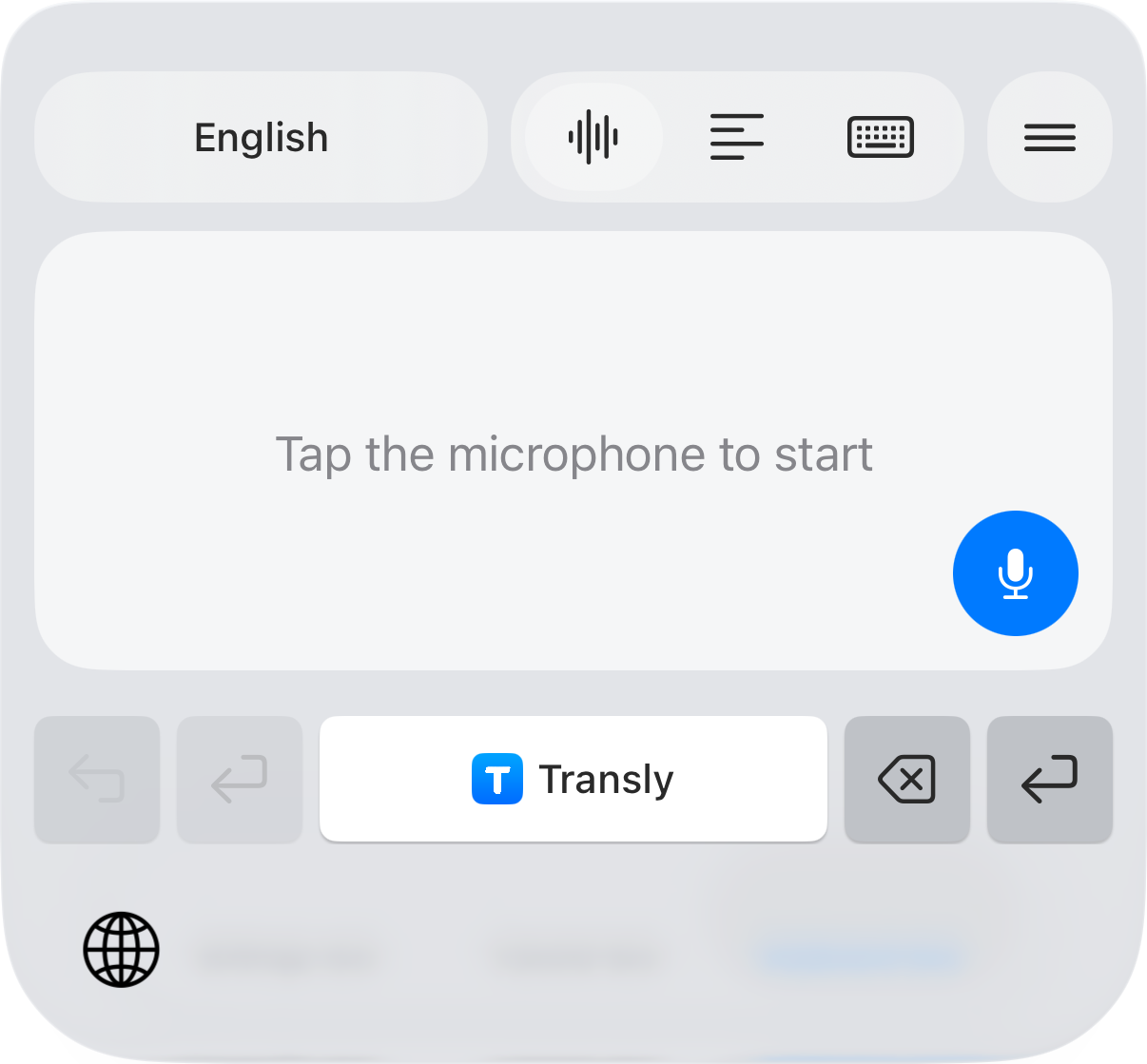
If you know what you want to say in English but need to write it in French, use Transly's iPhone translation keyboard. Choose English → French, dictate a complete message and review the French before inserting or sending it in the conversation.
This is useful for a hotel message, a question about a training session, or a reply to someone you have just met. The result is a text draft you control, rather than an automatically sent voice message.
Start with the request, then add the details
Say the information the recipient needs: who you are, which booking or appointment you mean, and what you are asking them to do. Avoid a long spoken explanation with several abandoned starts when a short request will do.
Notice the polite request Pourriez-vous. It asks for confirmation; it does not tell the recipient that late arrival has already been approved. If you have not yet received a reply, the translation is not a confirmation of the arrangement.
Check vous, tu and the recipient
For a first message to a business or someone you do not know, a polite vous form is a useful starting point. An established conversation with a friend may use tu. Check the actual relationship and surrounding messages instead of letting the wording change unpredictably between replies.
| Before you send | What to verify |
|---|---|
| Name or booking reference | Exact spelling from the original record |
| Date and time | Day, month and local time zone |
| A polite request | It still asks, rather than claiming agreement |
| Several recipients | The French addresses the intended people |
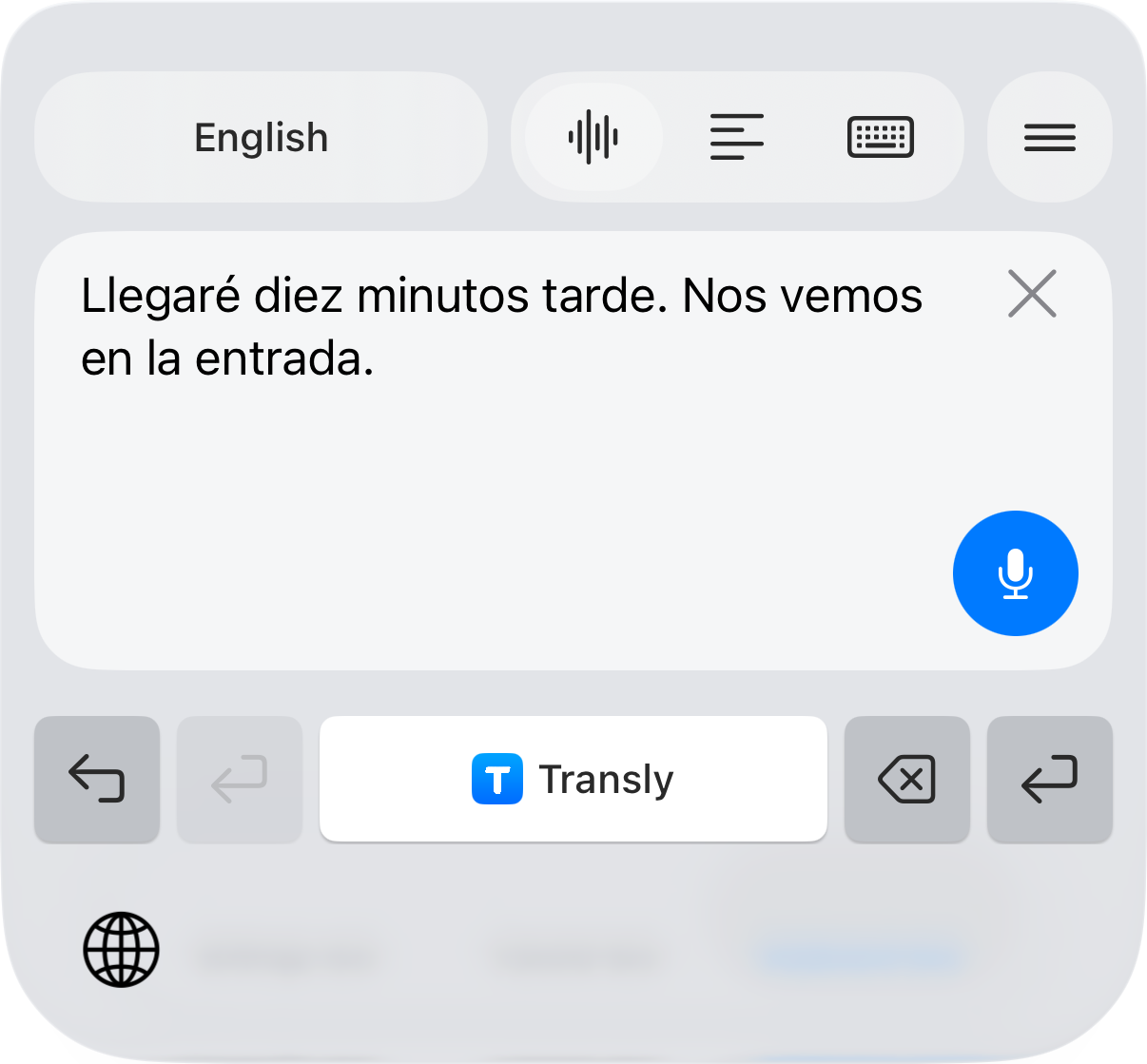
The screenshot shows the real keyboard's result controls in its captured interface language. Set English and French for your own message. The keyboard setup guide covers enabling the keyboard and inserting a reviewed result.
When the reply arrives in French
For a written reply, copy the text you want to understand and use the keyboard's reading translation. Reverse the direction to French → English. Read the reply before reusing the original outgoing draft; it may contain a condition or a different time.
For a spoken reply beside you, use Transly's live microphone translation and take turns. For a playing French voice message on iPhone, use cross-app audio translation when the source app allows playback capture. The French-to-English page explains common interpretation checks.
Follow an English training video in French
If the material is a video rather than a message you are composing, select English → French in cross-app audio translation, start the broadcast and return to the player. Keep original terms next to the French explanation when they match buttons or labels you need to find.
A saved video can use the local-video workflow. Preparing a complete French subtitle file is a separate task for Video Translator by Transly; generate and review the subtitle project before export.
English-to-French questions
Can I speak English and type a French reply?
Use Transly's translation keyboard on iPhone with English as the source and French as the target. Dictate, review the result and insert it into a compatible text field. You choose when to send the message.
Will it send a French voice recording?
The keyboard workflow produces text. It does not promise an exported voice recording or automatic sending. Nearby spoken conversations use the separate live translation mode.
Can I translate English audio from a video into French?
Yes, use iPhone cross-app translation for capturable playback or local-video translation for a saved video. Existing subtitles are not required, but accessible speech and an internet connection are needed.
Is it free to try?
Transly is free to download with in-app purchases. Check the app for current available usage and plan conditions; free download does not imply unlimited translation.
For a similar outgoing-message task, see English → Spanish. The live translation page helps you choose between a nearby speaker and audio playing on your phone.