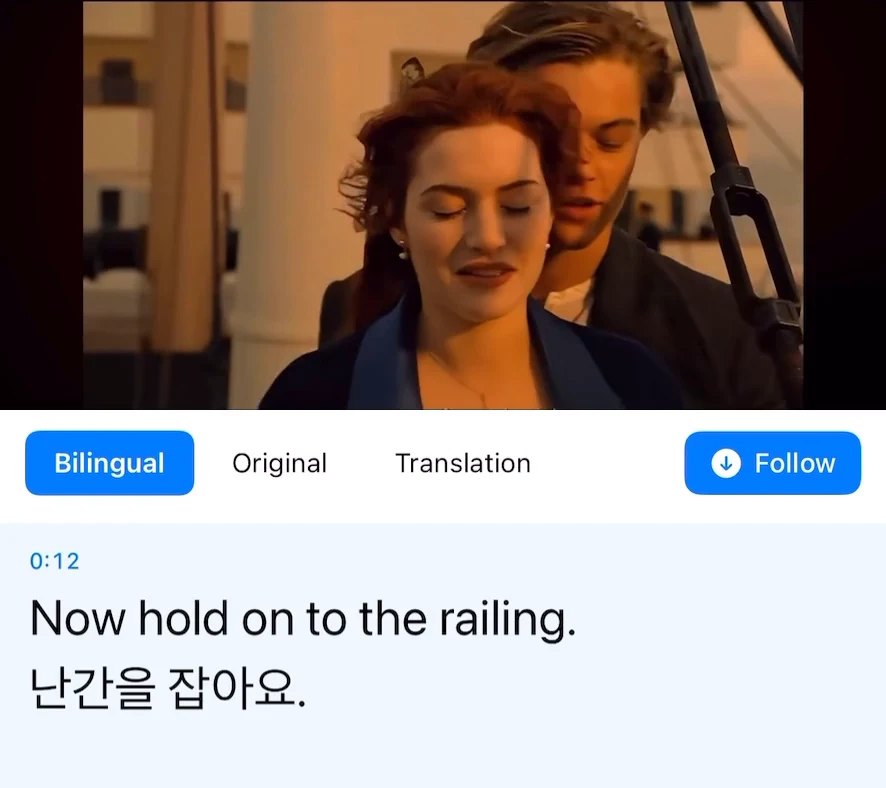
If an English tutorial moves faster than you can follow, use Transly to read an Indonesian translation while it plays. On iPhone, select English → Indonesian in cross-app audio translation, start the broadcast, return to the tutorial and play a clear spoken section.
You do not need the creator to supply an Indonesian subtitle file. You do need access to the spoken audio. The translation follows what is said, so keep the demonstration itself visible for buttons, diagrams and silent actions.
Follow the order of operations
Before carrying out a step, let the whole instruction finish. The English may name an action first and then qualify it with “only after” or “not yet.” Indonesian needs those conditions too.
In your own notes, separate the action from its condition:
| Action | Condition that must remain |
|---|---|
| Press Continue | After the upload is complete |
| Restart the app | Only when the instructor says the step is ready |
| Save the file | With the name and location actually shown |
This is a note-taking pattern, not an additional Transly feature. It helps you avoid following a short caption fragment before the rest of the sentence arrives.
Keep the original labels within reach
If the tutorial's app is in English, keep labels such as Settings, Export or Continue in their original spelling. Use Indonesian to understand the explanation, then match the label against the screen.
When a technical term is new, write both forms in your notes. A later lesson may use only the English word. Do not translate commands, file extensions or code characters simply because the surrounding explanation is being translated.
Use the floating captions during playback
After starting the broadcast in Transly, return to the video app. Move the floating window away from the controls or diagram. Pause at the end of a step, try it, then continue the video. If the source transcript stops appearing, check audio playback and the broadcast before changing the Indonesian target.
The existing demonstration illustrates the controls. It is not an English-to-Indonesian performance test. End the broadcast after the lesson, and see audio troubleshooting if the original text never appears.
Saved lessons and live demonstrations
For a local video you can open on your phone, use Transly's local-video player. You can begin watching with translated captions without waiting for a complete subtitle project.
For a live demonstration, the captions follow the current accessible audio. Note the point you want to revisit if a replay will be available. A live call is not necessarily the same source as a public stream; do not assume every meeting app permits audio capture.
If you are producing your own English tutorial for Indonesian viewers, use Video Translator by Transly to create a full subtitle project. Review the instructions and export the Indonesian track only after checking it with the final video.
English-to-Indonesian questions
How do I translate English voice to Indonesian?
Choose English as the source and Indonesian as the target. On iPhone, use cross-app translation for capturable video playback, live microphone translation for nearby speech, or local-video translation for a saved video.
Can I use it when the video has no subtitles?
Yes, the audio workflow does not require an existing subtitle file. It needs accessible speech and a network connection. Silent screen instructions are not automatically part of the audio transcript.
Can I save Indonesian subtitles to publish?
Use the separate Video Translator app to generate and review a subtitle project from a local video, then export the translated SRT or WebVTT. Watching live captions is a different workflow.
Is it free?
Transly is free to download with in-app purchases. Current usage and plan conditions are shown in the app before you choose a purchase; this page does not promise unlimited translation.
For your own Indonesian recording, see Indonesian → English. Also see English → Tamil, live translation, and the cross-app tutorial.