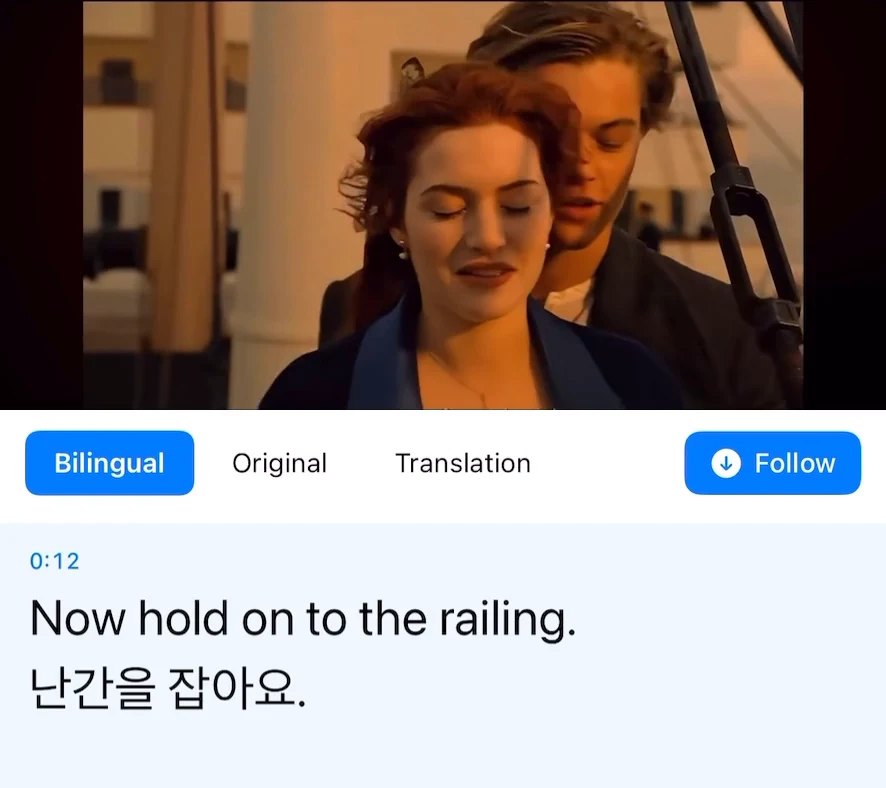
When an English recipe video has no Italian captions, Transly can help you follow the spoken instructions on your iPhone. Choose English → Italian in cross-app audio translation, start the system broadcast and return to the video. Keep the picture visible: a cooking verb often makes most sense when you can see the movement.
Check the video's own Italian captions first if they are available. When using audio translation, pause before carrying out a step rather than trying to cook at the presenter's editing speed.
A cooking verb is more than a dictionary word
“Fold” has a particular meaning when someone is combining whipped egg whites with another mixture. Watching the movement helps you check whether the translated instruction fits the task.
The second line includes both a duration and an order: resting comes before baking. Read the complete sentence. A caption fragment that only says “thirty minutes” does not tell you what should happen during that time.
Keep the original quantity beside the translation
Use the written recipe or ingredient list when the creator provides one. Compare it with the spoken amount, especially if the video contains a correction or uses a unit unfamiliar to you.
| Detail | What to keep in your notes |
|---|---|
| Quantity | The number and its original unit |
| Temperature | Whether the source specifies Celsius or Fahrenheit |
| Timing | The action that lasts that long, and what happens afterward |
| Ingredient | The exact item shown or listed, including any qualification |
Do not assume a translated caption has converted a unit. Translation and measurement conversion are different tasks. If you need a conversion, do it explicitly and check the original recipe before using it.
Set up the video on iPhone
Open Transly, set English as the spoken source and Italian as the target, then start cross-app translation and complete the broadcast prompt. Return to the source video and play a clear passage. Position the floating window away from the ingredients or the presenter's hands.
This recording demonstrates the controls, not a newly tested cooking video or Italian translation. Pause when you need to carry out an action; end the broadcast after you finish watching.
Background music and a running mixer can obscure speech. If the original transcript is wrong, replay a clearer explanation or use the creator's written instructions. A smooth Italian sentence is not proof that a noisy quantity was recognized correctly.
Use a saved tutorial or translate your own
For a video file already on your phone, open it in Transly's local-video player and choose English → Italian. You can start watching without waiting for a complete subtitle project.
For your own video that you want to publish with Italian subtitles, use Video Translator by Transly. Generate the subtitle project, review the ingredient names and instructions, check cue timing, and export SRT or WebVTT. The subtitle track does not create a new Italian voice.
The same audio setup can help with a craft or repair demonstration. Keep on-screen labels and the full instruction in context, and use the original authoritative instructions for any task where a mistranslated step could matter.
English-to-Italian questions
Can I translate English voice to Italian while a video plays?
On iPhone, use Transly's cross-app audio translation with English → Italian for capturable playback. For a local file, use local-video translation. An existing subtitle track is not required.
Will the captions convert cups, temperatures or other units?
Do not assume they do. Keep the original number and unit, and perform any needed conversion explicitly. Translation is not a guarantee of a measurement conversion.
Can I export Italian subtitles?
Use the separate Video Translator app to create and review a complete subtitle project from a local video, then export SRT or WebVTT. Watching captions as a video plays is a different workflow.
Is English-to-Italian translation free?
Transly is free to download with in-app purchases. Check the app for current usage and plan conditions. These translation workflows need an internet connection even when the video file is saved locally.
For related instructions, see English → French and English → German. The live translation page and cross-app tutorial explain the available inputs.